Generative AI – Slide 44 Deep Explanation
Understanding the concept illustrated in slide 44 with examples, applications, and technical insights.
Understanding the concept illustrated in slide 44 with examples, applications, and technical insights.
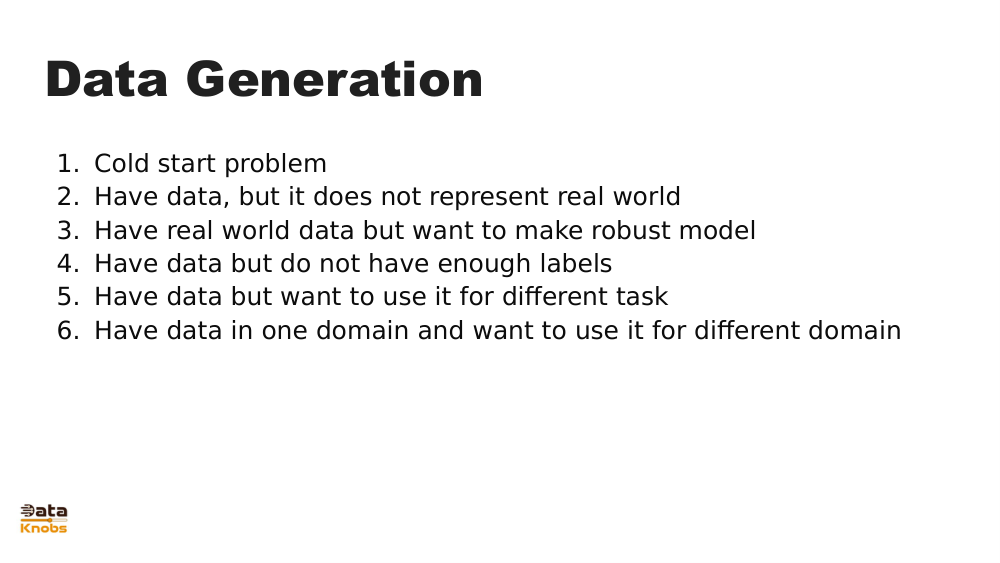
Slide 44 illustrates how generative AI transforms raw input (text, images, prompts) into meaningful outputs by using deep learning models. The slide highlights the flow from data → model → generated content, demonstrating how AI synthesizes new information rather than retrieving it.
Prompts are converted into token embeddings that models can interpret.
The model operates in high‑dimensional latent space to predict next tokens or image features.
Outputs are decoded back into human‑readable text, images, or audio.
User provides prompt or input.
Model interprets meaning using trained weights.
AI predicts the next token or pixel repeatedly.
System outputs final coherent content.
Articles, marketing copy, blog posts, and video scripts.
AI‑generated art, concept sketches, product prototypes.
Synthetic datasets for training or privacy‑safe analytics.
AI coding assistants, automated report generators.
It visualizes the transformation pipeline from input → model → generated output.
It encodes complex semantic relationships, enabling creativity and reasoning.
Yes, though architecture differs slightly; both rely on iterative token or pixel prediction.
Explore more tutorials, examples, and hands‑on demonstrations.
Get Started